

Have you ever thought about the small green boards you see inside your favorite gadgets? The boards are known as printed circuit boards (PCBs), which connect and power all the intricate components that enable your devices to function. Before a PCB is incorporated into any of your devices, it undergoes various stages of prototyping. Let’s take a closer look at the key steps in creating a printed circuit board prototype, starting from the concept to the final testing phase.
Importance of Prototyping PCBs
A rough version of a project is often referred to as a prototype, and the same applies to a PCB prototype. As with any project, a first draft is rarely the final version and typically requires revisions. Similarly, a PCB prototype serves as a revision and an opportunity for designers and engineers to evaluate their prototypes before mass production, identify potential issues, and fine-tune the design. This minimizes unnecessary expenses during production and future losses due to faulty designs.

Step 1: Conceptualization Along With Planning
For a successful project, a detailed and organized plan is crucial, and this holds for PCBs as well. To ensure the intended goals are successfully achieved, defining the functions of the PCB is a step in any project.
Identifying potential questions is very helpful. These include: What does the board need to control? How large should it be? What components will it require?
- Establish goals: Define a list of the primary features along with supplementary conditions that are deemed necessary.
- Sketch ideas: Create simple diagrams or block charts to illustrate the relationship between everything.
Examining competing products is also helpful. Determine what features are effective and where there is room for improvement. Thoughtful planning paves the way for the best PCB prototype.
Stage 2: PCB Design
We’re going to get technical now, but don’t stress out. We will keep things really easy. PCB design is somewhat akin to blueprinting your board.
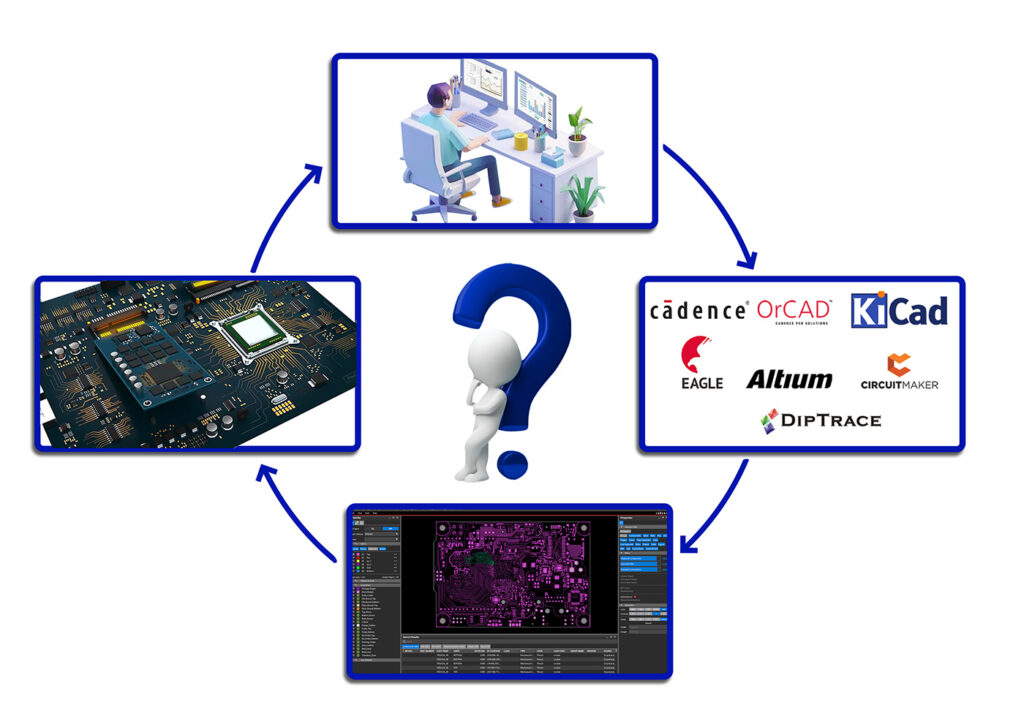
- Schematic design: This two-dimensional drawing illustrates the connections between the titled elements. Today, most people complete this drawing on a computer with specialized applications.
- Component selection: Choose the most suitable parts that will work for your project, that are within budget, and are in stock.
- Simulation: Testing on specific design software allows for simulating the design and running the tests. This step is critical for identifying errors beforehand.
Tip: No matter how simple it is, check and recheck. Small details matter a great deal, especially how they will impact things downstream.
Stage 3: Layout and Routing
The sequence to refine is the schematic, ready, and defining.
- Board outline: Settle on dimensions and outline shape for your PCB.
- Component placement: Place the given parts strategically such that each item performs optimally and can be assembled with minimal difficulty.
- Routing: Map out the connections by drawing paths (traces) that link each part. Picture tiny highways for electrons.
- Organize everything. A cluttered layout can cause issues such as overheating, too much noise, or other complications. Prevention is better than a cure, so use the design tools to fix issues as early as they can be noticed.
Stage 4: Final Checks and File Preparation
After sending the design to a PCB manufacturing company, a checklist of mistakes is made.
- Design rule check (DRC): The software must detect the printed circuit board (PCB) rules verification and logical sanity rules.
- Error correction: Each revealed error must be corrected.
- Gerber file generation: Save the design in an appropriate format, named ‘Gerber files’, that delineates step-by-step how the manufacturer will construct the board.
Tip: All files must be complete, accurate, and error-free. Your project can be slowed by missing or incorrect files containing essential information.
Stage 5: Selecting PCB Manufacturing Company
Selecting a custom PCB manufacturer is a critical partner. Selecting custom PCB manufacturers defines the project.
- Look for companies with a proven record. They are sometimes in business for a longer time, thus emphasizing the importance of experience.
- Ensure that your board size, layers, and special needs do not pose limitations. Are under capable hands.
- Answering questions is good, but explaining the process shows the company cares and is an excellent communicator.
Real-world tip: Visiting the factory or asking for samples is helpful.
Stage 6: Making the Prototype PCB Boards
The first board is built using your files, and this is the stage where the imagination comes to life.
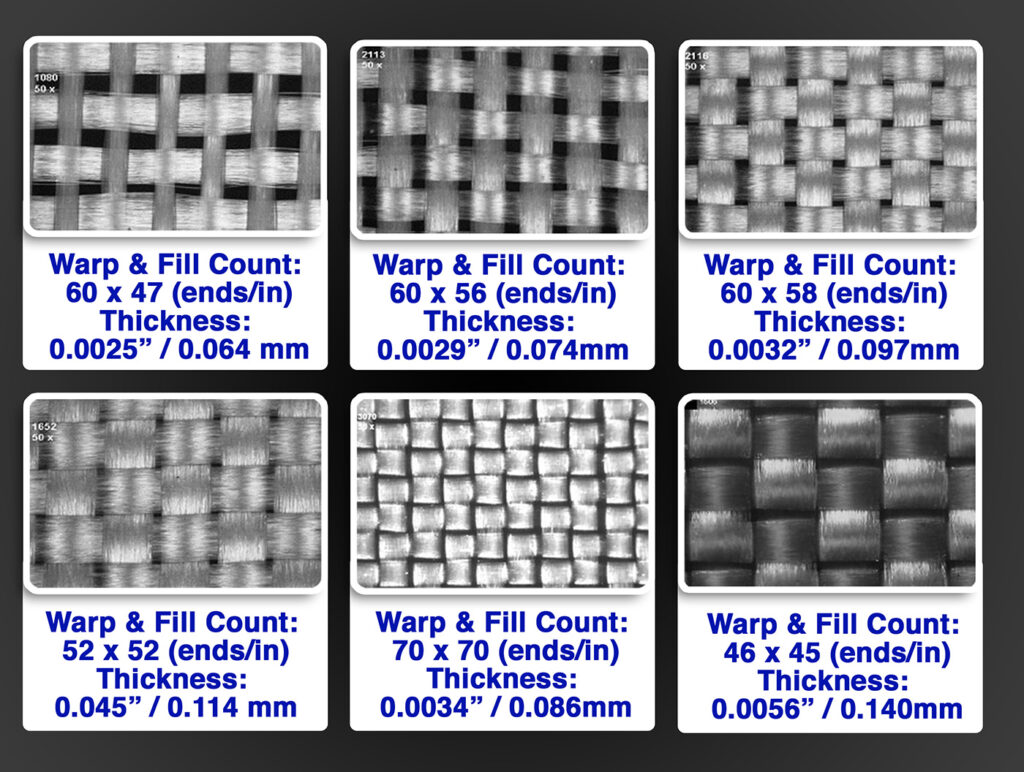
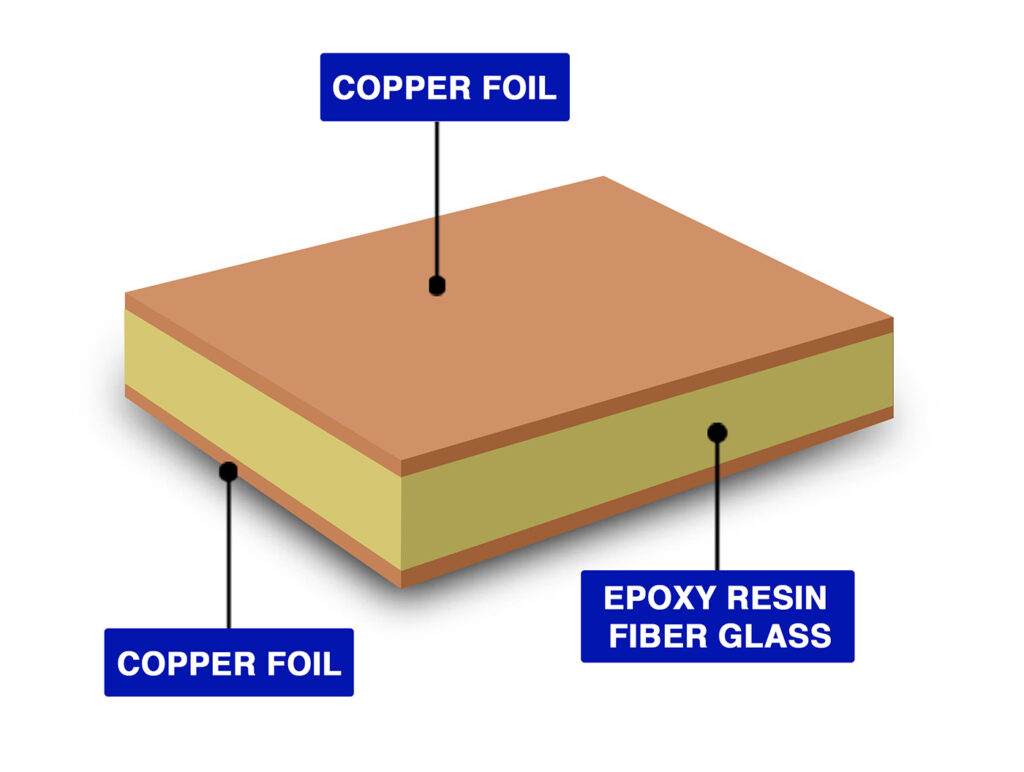
- Selection of materials: Aside from special requirements, most boards use FR-4 material.
- Imaging and etching: This step involves printing the design onto the board and then removing the excess copper.
- Drilling and plating: This step involves drilling holes for parts and connections, and adding copper to critical areas to ensure proper electrical flow.
The addition of markings and protective layers, such as silkscreen, serves to guard the board while printing essential drawings.
Mistakes are minimized with thorough checks after each step.
Stage 7: Assembly
Your PCB prototype board has parts placed on it, and it’s your turn now!
- Component placement: This step involves either robots or skilled individuals placing the designated parts into their corresponding holders.
- Soldering: This process involves attaching components to the board using solder for both structural and electrical connections.
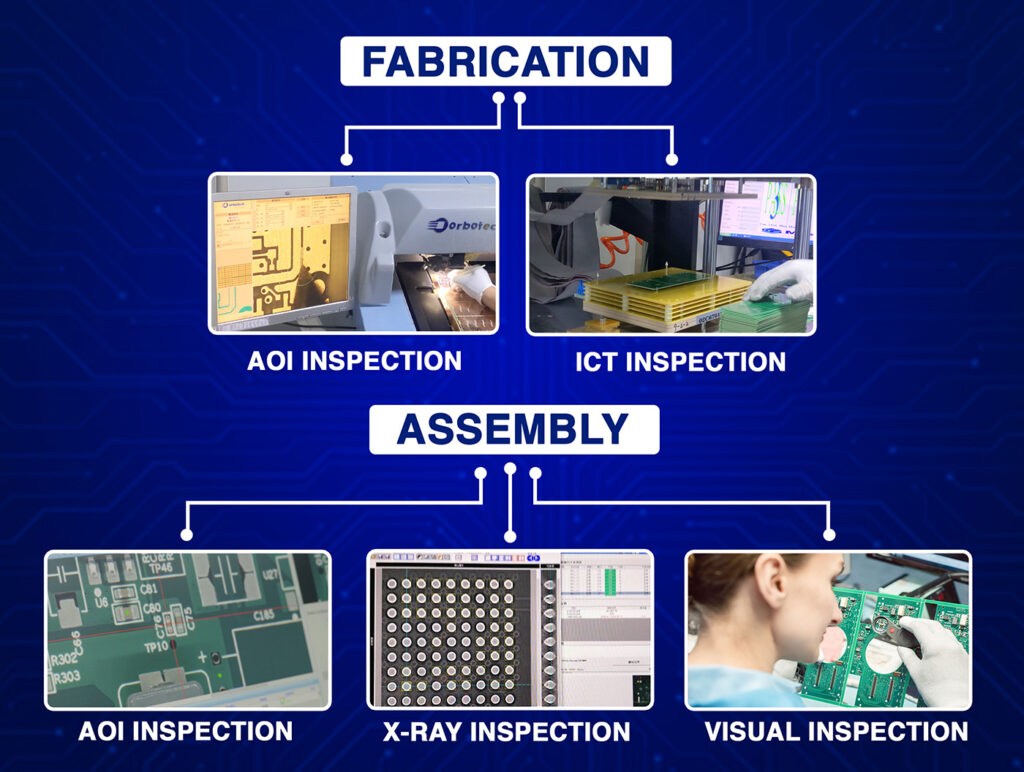
- Inspection: During this step, all boards undergo error checks for omitted components and solder joints.
Tip: Machines are more efficient at completing larger projects, while small runs tend to be less costly due to the use of manual assembly.
Stage 8: Testing and Validation
Your prototype PCB boards are tested to determine if they function as intended.
- Visual inspection: Check for major defects such as broken traces or misaligned components.
- Electrical testing: Verify that the board powers on and all interfaces are functional.
- Functional testing: Operate the board under normal working conditions. Is it performing all required functions?
If it doesn’t work, troubleshoot and resolve the issues. Testing is crucial in identifying and resolving issues with a device before scaling up.
Stage 9: More Work Needed
A prototype that works perfectly on the first attempt is extremely rare, and a prototype working fine on the first attempt is entirely normal.
- Feedback collection: Gather insights from testers and users on what is working well and what needs improvement.
- Design modification: Modify the design to address the identified issues or enhance existing features.
- Reiteration: Continue to build, test, and refine until the desired results are achieved.
This will be the most effective way to achieve the optimal PCB prototype for your specific requirements.
Guidelines for Effective PCB Prototyping
Begin with basic designs that focus on core functionalities. Features can be added later.
- Collaborate with the manufacturer closely. Share your vision and don’t hesitate to ask for help.
- Capture every detail. Accurate records of changes can prevent many mistakes.
- Maintain a good system. Clear names for files and parts are beneficial.
- Exercise patience. You are closer to achieving the best product with every step taken, even though it takes time.
Making Your Vision Come Alive
Developing a PCB prototype is a crucial step in the process. There are many components, such as planning and crafting designs, which bring attainable goals. These further lead you towards the end goal of creating the PCB. We at Blind Buried Circuit help to make your vision come alive.
It is essential to understand these basics and create user-friendly devices or electrical systems.