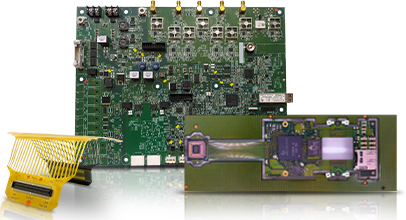


When you’re designing a PCB, you want your signals to travel cleanly from one part to another. If signals become messy or mixed up, your board may not function properly. This is called signal integrity. Good signal integrity ensures that your electronic signals remain strong, clear, and free from unwanted noise. If you’re wondering how to design PCB board layouts that keep your signals healthy, you’re in the right place. Let’s break it down together.
Why Signal Integrity Matters
Imagine you’re shouting across a playground. If there’s too much wind, noise, or people in the way, your friend can’t hear you. The same thing happens with electrical signals on a PCB. If the path isn’t clear, signals get lost or mixed up. This can cause your circuit to malfunction or behave erratically. That’s why every PCB manufacturer and PCB manufacturing company pays close attention to signal integrity.

Stackup and Layer Choices
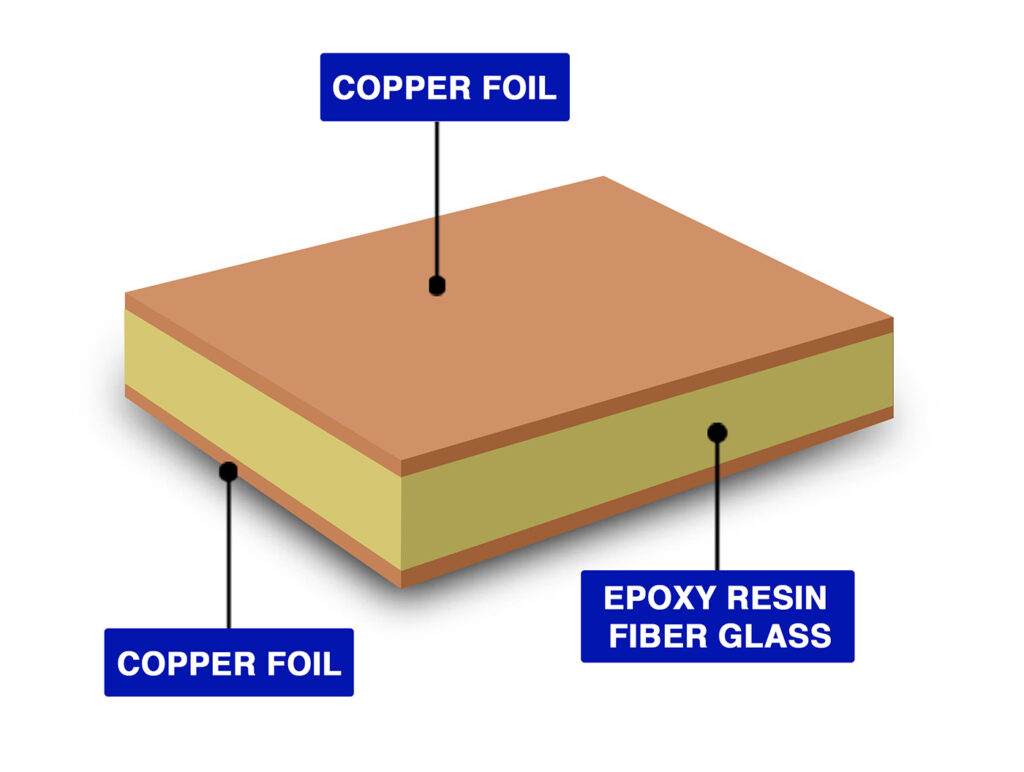
The way you stack the layers in your board is like planning the floors of a building. Each layer has a job. Some carry signals, others are for ground or power. A good stackup helps signals travel smoothly and blocks out noise.
- Place high-speed signal layers between ground layers. This shields your signals and gives them a safe path back.
- Keep your stackup balanced. Symmetry helps maintain a steady impedance and prevents surprises.
- Use dedicated power planes. This provides your board with a strong backbone and facilitates clean power delivery.
If you’re working with a PCB fabrication company in the USA, ask them about their stackup options. They can help you select the ideal setup for your specific needs.

Trace Routing: Keeping Paths Short and Direct
When you’re designing a PCB, think of traces as roads for your signals. Short, direct roads get you there faster and safer.
- Keep traces as short as possible, especially for high-speed signals.
- Avoid sharp corners. Use gentle bends or 45-degree angles.
- Don’t run traces over or under noisy components, such as transformers or crystals.
- For signals that need to arrive at the same time, keep trace lengths matched.
If you’re not sure how to design PCB traces, many PCB manufacturing companies offer design help. They can review your layout and offer suggestions for improvements.
Controlled Impedance: Matching the Road to the Car
Some signals, particularly those that are speedy, require a special type of road called “controlled impedance.” This means the width, height, and spacing of the trace are just right for the signal. If impedance isn’t controlled, signals can bounce back or get fuzzy.
- Route high-speed lines following a ground plane for a clear return path.
- Use the correct trace width for your board’s stackup. Your PCB manufacturer can assist you in calculating this.
- For high-speed signals, use differential pairs, two traces that carry opposite signals in parallel. Keep them close and the same length.

Vias: The Elevators of Your PCB
Vias are tiny holes that let signals jump between layers. But too many vias, or vias in the wrong place, can mess up your signals.
- Use as few vias as possible for high-speed signals.
- Keep vias small and close to the pads they connect to.
- Avoid putting vias in the middle of sensitive signal paths.
- For differential pairs, make sure both traces use the same number and type of vias.
If you’re working with a PCB manufacturing company, ask about their via options. Some offer special types, such as blind or buried vias, for complex boards.
Ground Planes: The Quiet Zone
A ground plane is a large sheet of copper that provides a safe path for signals to return. It’s like the quiet zone in a library, no noise, just a clear path.
- Use solid ground planes under high-speed signals.
- Don’t split ground planes unless you have a good reason.
- Keep ground planes continuous. Gaps can cause signal problems.
- Place decoupling capacitors as close as possible to the power pins. This helps filter out noise.
If you’re unsure how to design a PCB with good grounding, your PCB fabrication partner in the USA can provide examples to guide you.
Component Placement: Where Everything Starts
Where you put your parts on the board matters; good placement can make routing easier and signals cleaner.
- Place related parts close together. For example, keep a chip and its resistor side by side.
- Keep high-speed parts away from the board’s edge.
- Arrange parts so signal paths are short and direct.
- Leave space for test points or debugging if you need to check signals later.
If you’re learning how to design PCB layouts, start with the basics. Place your most significant parts first, then fill in the smaller ones.
Power Delivery: Clean Power, Clean Signals
If your board’s power isn’t steady, your signals can get noisy. That’s why power delivery is a big part of signal integrity.
- Use wide traces or planes for power and ground.
- Place decoupling capacitors close to each chip’s power pins.
- Keep power and ground planes close together in the stackup. This helps block noise.
- Avoid running high-speed signals near power traces.
When you work with a PCB manufacturer, ask about their tips for power delivery. They might have special tricks for your board type.
Avoiding Crosstalk: Keeping Signals Separate
Crosstalk happens when one signal “talks” to another, like two people shouting in a small room. You want to keep your signals quiet and separate.
- Leave space between high-speed traces. More space means less crosstalk.
- Route signals on different layers at right angles to each other.
- Use ground traces or planes between sensitive signals.
- Avoid running signals in parallel for long distances.
If you’re unsure how to design PCB traces to avoid crosstalk, your PCB manufacturing company can review your layout.
Testing and Simulation: Check Before You Build
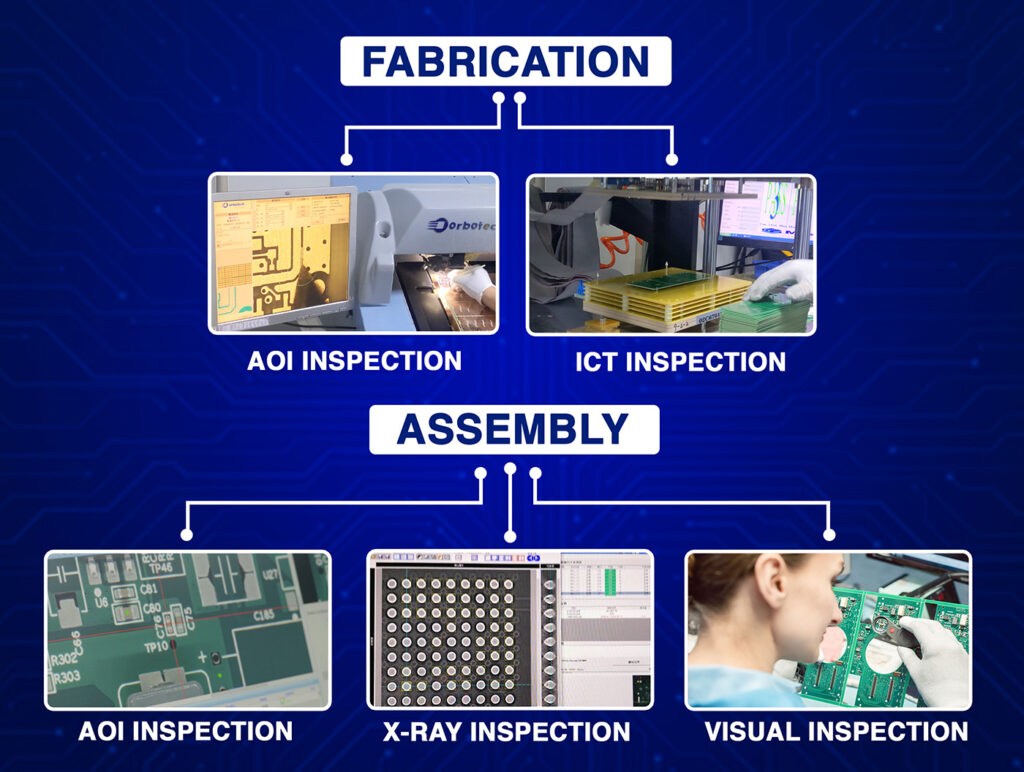
Before you send your design to a PCB fabrication USA company, it’s smart to test your layout with simulation tools. These tools can help you identify areas where signals may become complicated or where noise could be a problem.
- Signal integrity simulations before you build your board.
- Check for impedance mismatches, reflections, and crosstalk to ensure optimal signal integrity.
- Address any issues before placing your order for the boards.
Many PCB manufacturers offer design review services. They can help you spot trouble before it costs you time and money.
Real-Life Example: A Simple Wireless Board
Let’s say you’re designing a PCB for a small wireless gadget. You place your radio chip in the center, keep the antenna trace short, and put a solid ground plane underneath. You avoid running other signals near the antenna. You match the trace width for the radio signal to the stackup recommended by your PCB manufacturer. You add decoupling capacitors close to the chip’s power pins. When you test your board, the signal is strong and clear. That’s signal integrity in action.
Actionable Tips for Your Next PCB
- Plan your stackup before you start routing.
- Keep traces short, direct, and away from noise.
- Use controlled impedance for fast signals.
- Minimize the number of vias and keep them as small as possible.
- Use solid ground planes and good power delivery.
- Place parts with signal paths in mind.
- Leave room for testing and debugging.
- Simulate your layout before you build.
Want to learn more about working with a great PCB manufacturer or see what a PCB manufacturing company can do for you? Visit our PCB manufacturer page for more info.
Final Thoughts
When you’re figuring out how to design PCB boards, remember: signal integrity is about giving your signals a clear, quiet path. Good layout choices help your board work right the first time. Whether you’re just learning how to design a PCB or you’re ready to send your files to a PCB fabrication USA shop, these tips will help you get better results. Keep your signals strong, your paths short, and your designs simple. Your circuits, and your users, will thank you.